TOP 5 best teams that extend the functionality of the iPhone
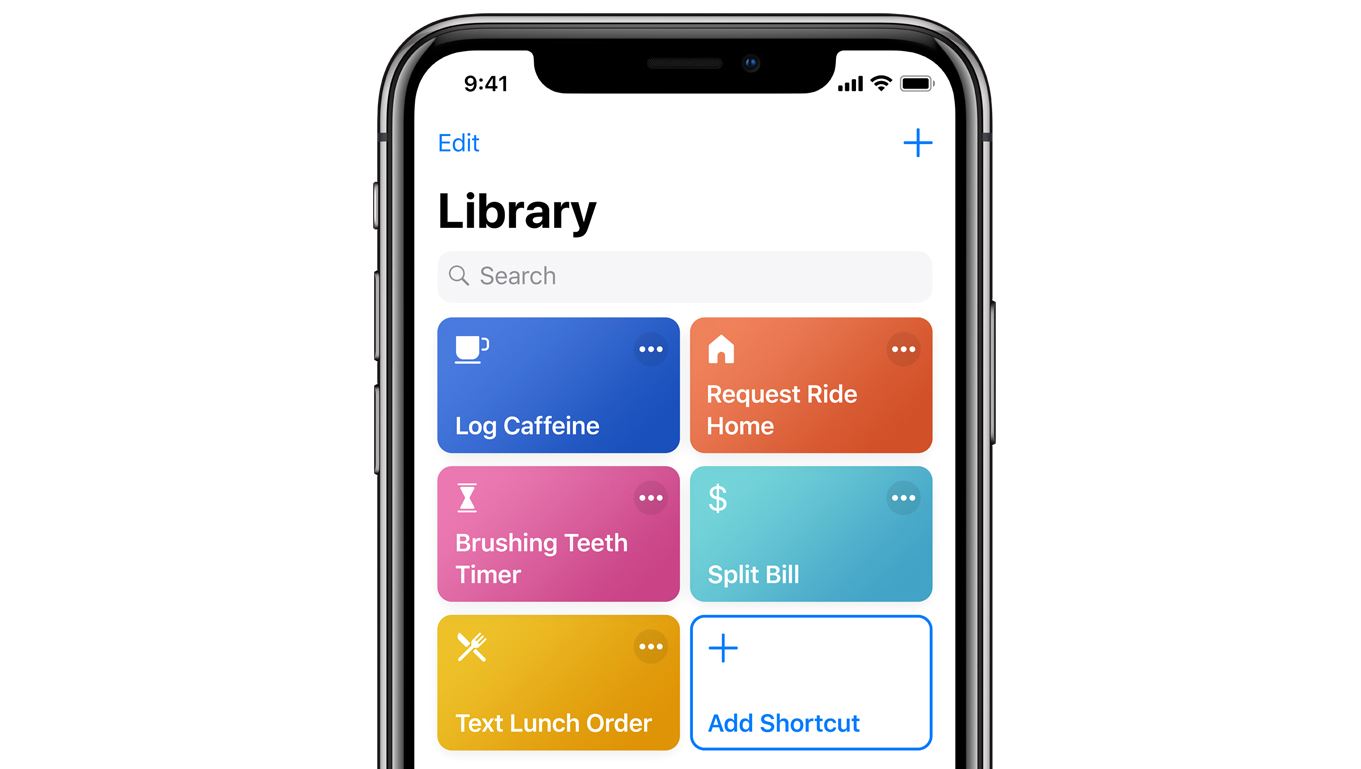
“Team” is one of the major changes in iOS 12. Apple has allowed users to create a quick command to add the missing device functionality. In the Internet you can find a variety of different teams, so we have selected the most interesting.
Disabling Wi-Fi, Bluetooth and cellular data
Starting with iOS 11, disable Wi-Fi and Bluetooth through the “control Point” leaves them enabled. But these shortcuts allow you to completely disable them. Next time it will be enough to produce a phrase or touch of the label widget using “Teams” to turn off the wireless connection.
Download team for Wi-Fi
Download command for Bluetooth
Download command to Cellular data
Add song to library
Useful command for those who often listens to music via the Apple Music playlists. It allows you to quickly add a song to your library or a specific playlist. No need to open the App leMusic to add an unfamiliar song.
Download command
The inclusion of a flashlight in the style of Harry Potter
Siri knows how to turn on the flashlight, but she does it using standard phrases. Much more fun to turn on and off flashlight with spells from Harry Potter. After you add a team, click on settings and set the phrase Lumos, which will include a flashlight and Nox to turn it off.
Download command
Live Photo conversion to GIF
Live Photo is a good feature that is not supported by all applications. To manually convert a Live Photo to GIF, a Reddit user has created a shortcut that does this automatically.
Download command
Team to create stunning screenshots
This shortcut automatically inserts the screenshot into the frame will need an iPhone or iPad. Supports all smartphones and tablets in different orientations. After running the command, it is necessary to select the screenshot and click “Done”. And if you choose a few screenshots, shortcut will automatically stick them together into one image.
Download command