How to compensate for the lack of trackpad on the iPad Pro when working with text
Despite Apple’s claims that iPad Pro is a full computer, many users have criticized the tablet because of disadvantages such as, for example, the lack of the trackpad. Independent developer Steve Troughton-Smith told how to solve the issue.
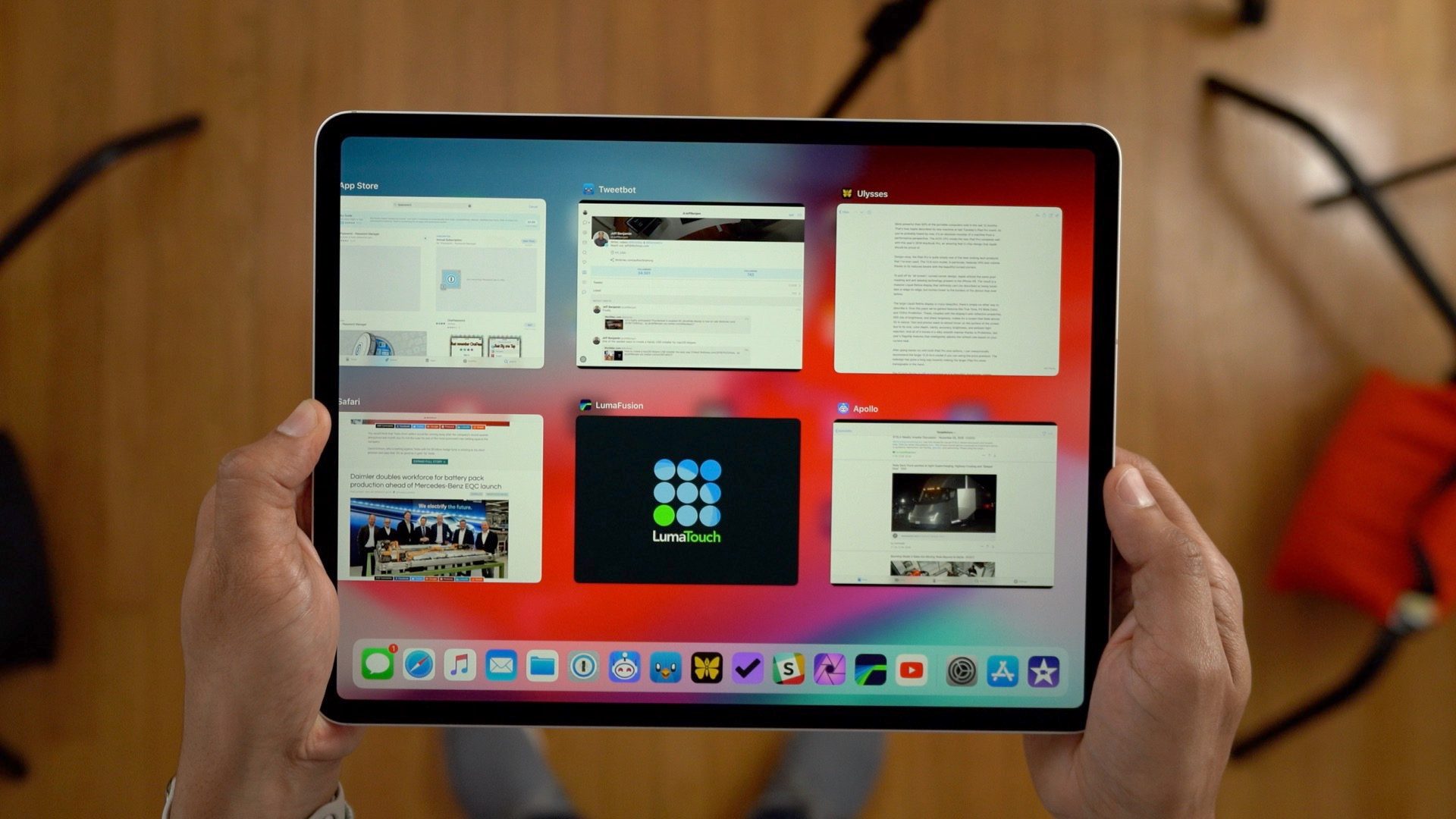
The trackpad can be replaced with gestures. According to the author of the post, this feature was added to iOS a few years ago, but few people know about it.
So, for example, it is easy to select text, simply click with two fingers on a block of text and then scroll to it. Also double-clicking, you can highlight a sentence, triple — a whole paragraph.
The usefulness of this feature largely depends on the application. If it does not use inline text APIs iOS device simply won’t respond to gestures.

The most effective for this kind of work with text is an app Ulysses. It allows you to accurately navigate to the part of text where the user wants to make changes. For example, add photos video or audio content.