Problems connecting LG monitors UltraFine 5K can occur without affecting the router
As we wrote, the LG monitor UltraFine 5K, developed by Apple, exclusively for use with the MacBook Pro, designed to replace the Thunderbolt Dis play, is criticism of users due to unreliable work. As it turned out, while next to the router (distance up to 1 m) the monitor starts to flicker on or off, i.e., becomes completely unusable.
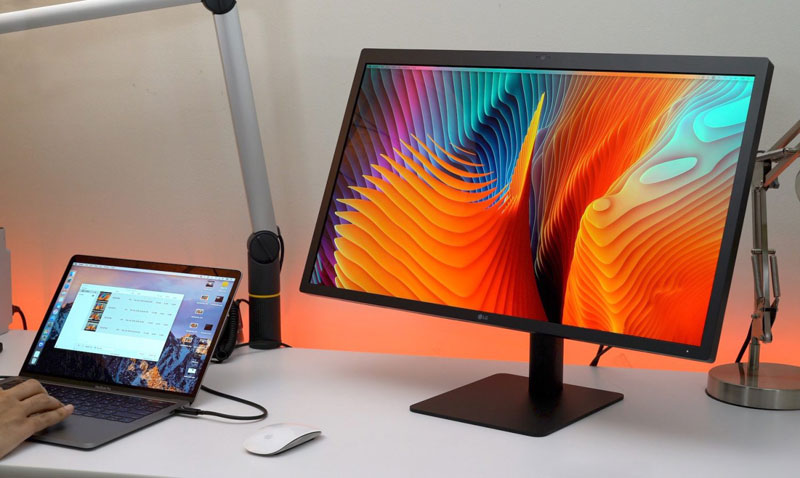
We only managed to announce that LG managed to solve the problem, improving the shielding 27-inch monitors as the Network has reported that UltraFine 5K is not limited to problems with the close proximity of the router .
So, on the Apple support website users are complaining about problems and other conditions. During testing and subsequent experiments showed that some instances the device LG respond to the adjacent source of electromagnetic radiation. For effect next to one of the monitors even put and included a microwave, but no problem is not caused.
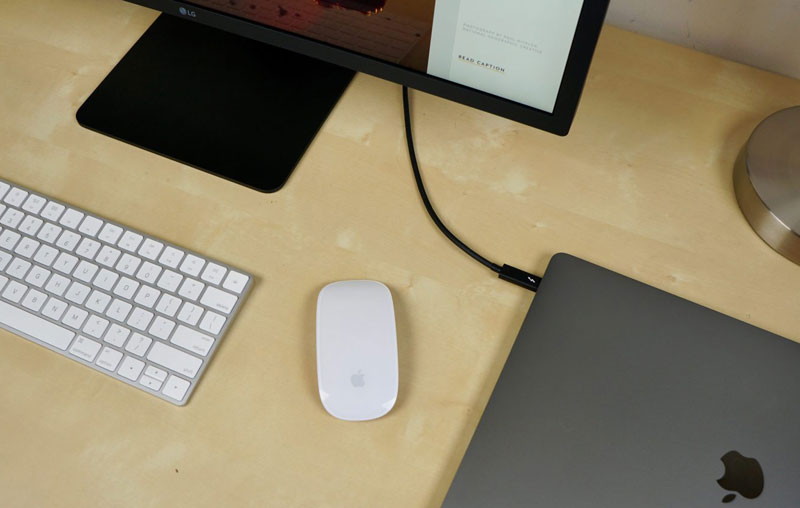
Source tested eight UltraFine 5K and four models UltraFine 4K, which previously had no such problems. The monitors were tested in conditions that simulate office space or apartment. As a result, two of the eight monitors UltraFine 5K had problems with the connection, not associated with a display screen resolution, no brand or model of laptop or Thunderbolt cable 3. None of the 4K monitors UltraFine problem to no avail.
LG Ultrafine 5K sells Apple in an external monitor for a MacBook Pro. In fact, this is the replacement canceled last summer brand monitor Thunderbolt Display. And it is not cheap — $974 before the end of March, and then cease to act discount and the price will return to its original state at $1299.