How to use the system font Apple all applications on macOS
Modern Apple gadgets has changed dramatically after the death of Steve jobs in terms of appearance design, and in terms of the graphical interface. However, because of the love of jobs to calligraphy, the Corporation continues to pay due attention to such details as font operating systems.
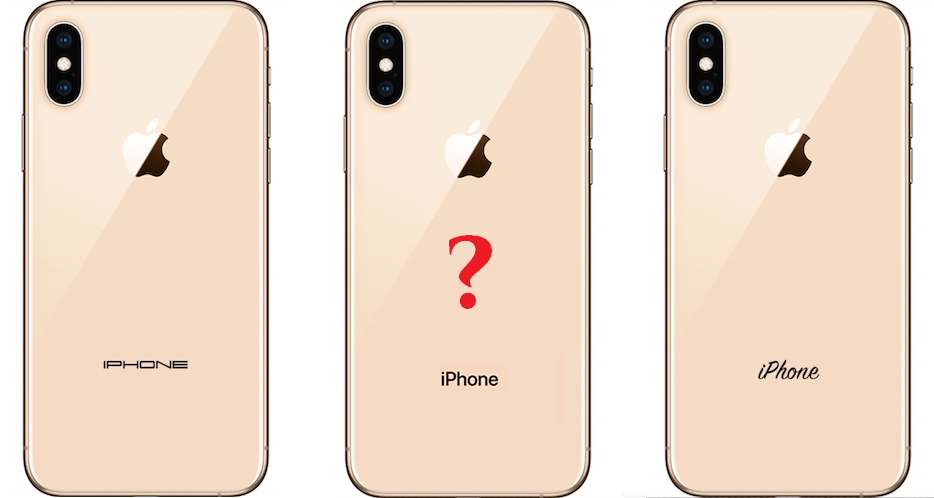
On its website, as well as all presentations, Apple uses a fairly simple but very easy to read font. This minimalism is an integral part of brand positioning as something easy to use.
Currently a specially crafted font called “San Francisco” is a font interface macOS, iOS, watchOS and tvOS. In addition, labels on all devices and all printing products of the company uses this font.
Many designers use “San Francisco” to create concepts as close to reality, the developers of the applications to match the style of operating systems.
Compare the two following pictures and you will understand how important font.

The paradox of the whole situation lies in the fact that “San Francisco”, though, and is a font of OS, it cannot be used by default in a text editor, Photoshop or any other app.
To use a font it must be installed separately by following a few simple steps:
Now the font “San Francisco” will be available for use in any application.