
How to change system font to Lucida Grande on macOS Mojave
Many users of macOS used the font Lucida Grande, which was used in the system to the release version of Yosemite. In this tutorial we will show you how to make old font system again instead of San Francisco.
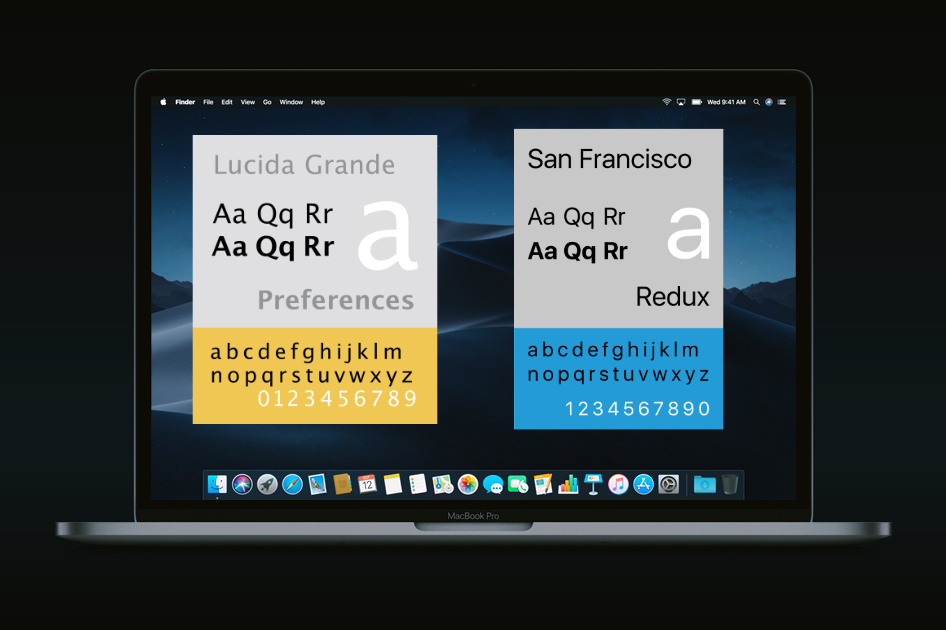
Lucida Grande has long been a standard font for macOS. When released OS X Yosemite, it was replaced with Helvetica Neue. Starting with OS X Yosemite standard font was San Francisco. However, fans Lucida Grande a lot, some will want to make this …

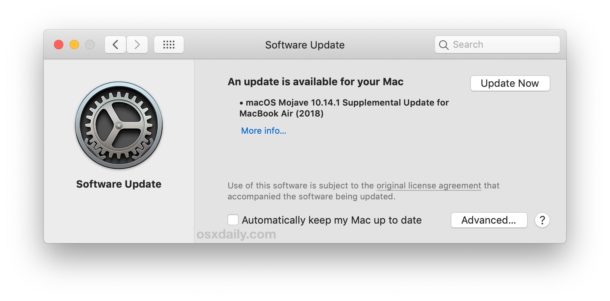
 MacOS Mojave has changed the updating mechanism of the system. Download profile for updates through Aple Developer Center. To install the beta version, you need to open “System settings” → “software Update”.
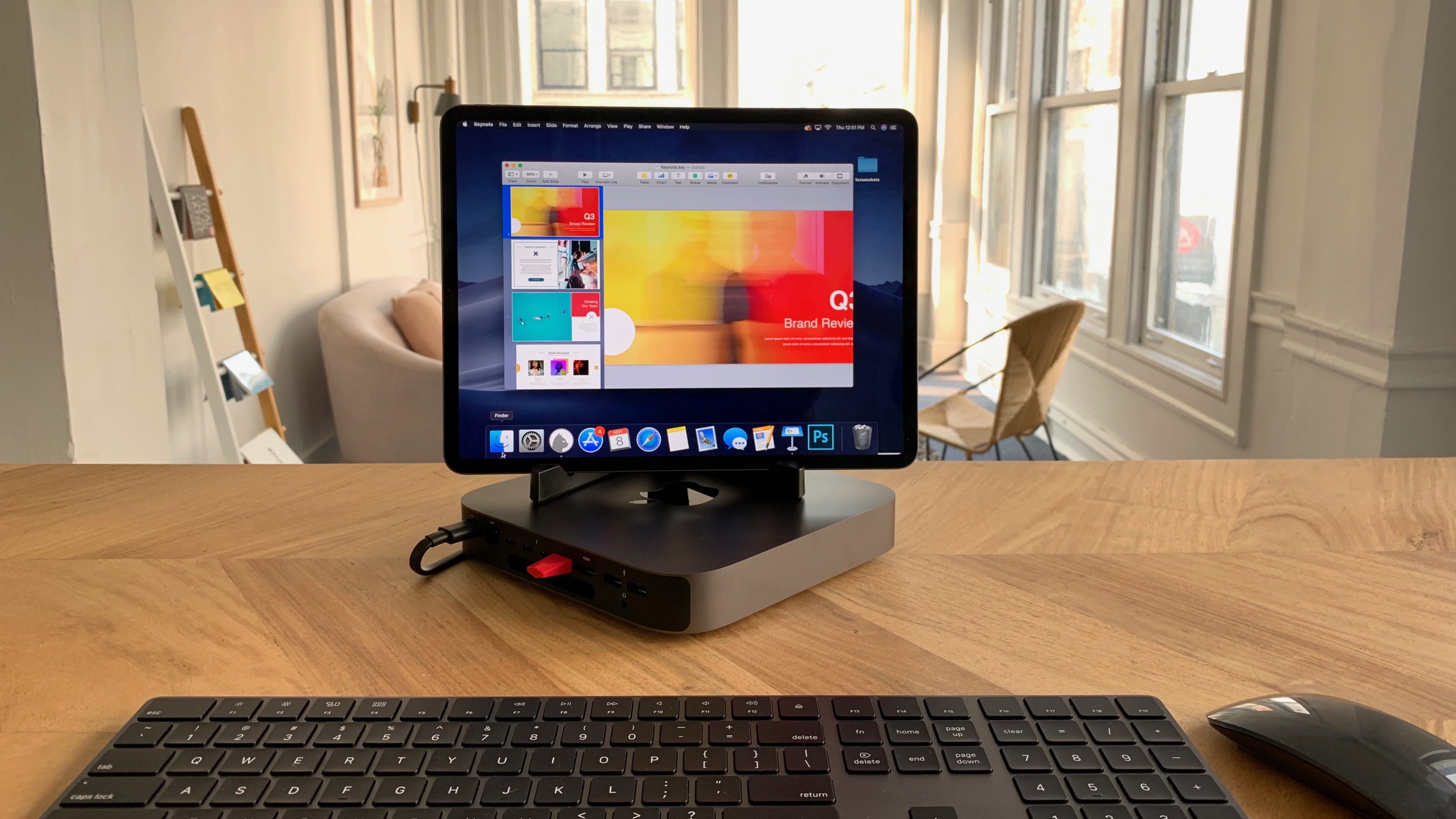 The process of setting up Luna Display with Mac mini does not differ from that with other Mac. As before, the USB-C port it is necessary to insert the Luna Display adapter and download the app on the iPad Pro, which will set up the signal transfer.
 In many ways Tim cook is right. the iPad Pro can perform all the tasks that require regular user laptop. Tablet suited for web surfing, email and watching movies.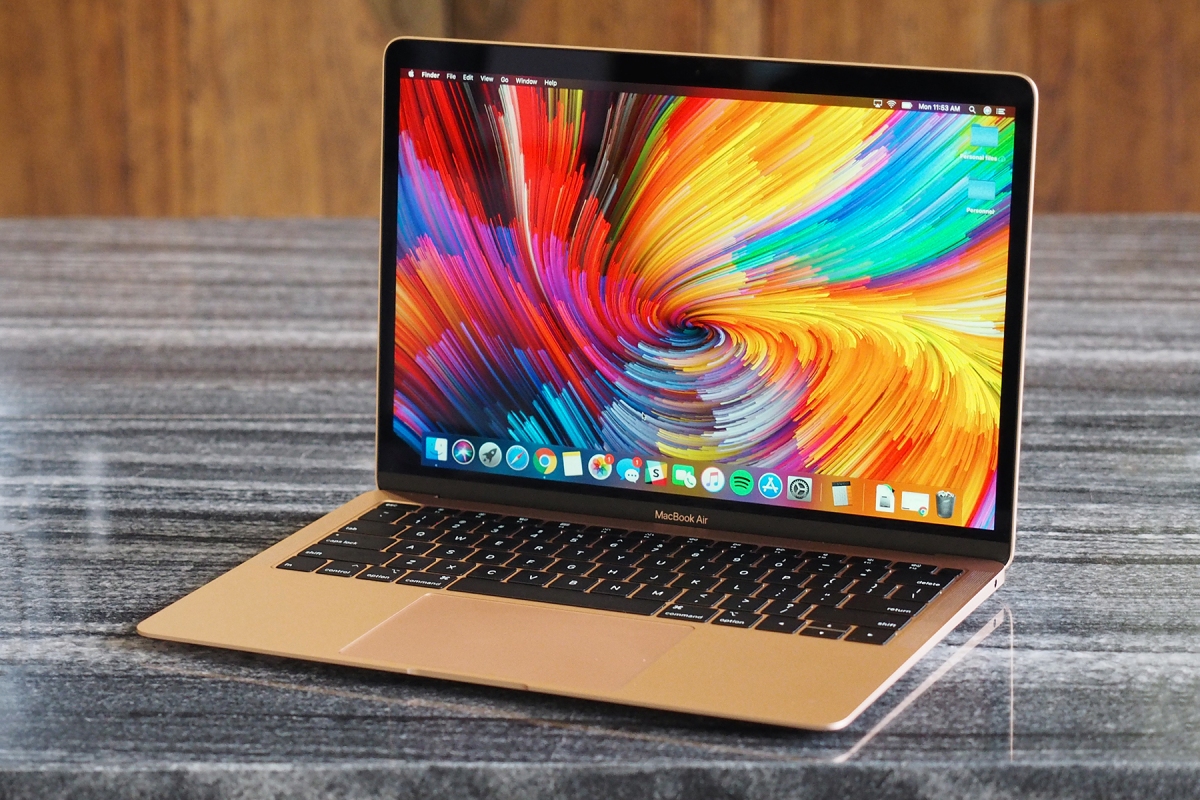

![3 Disk Drill: the best data recovery software on Mac, iOS and Android [+10 promo]](../../../../wp-content/themes/hueman/assets/front/img/thumb-small.png)


